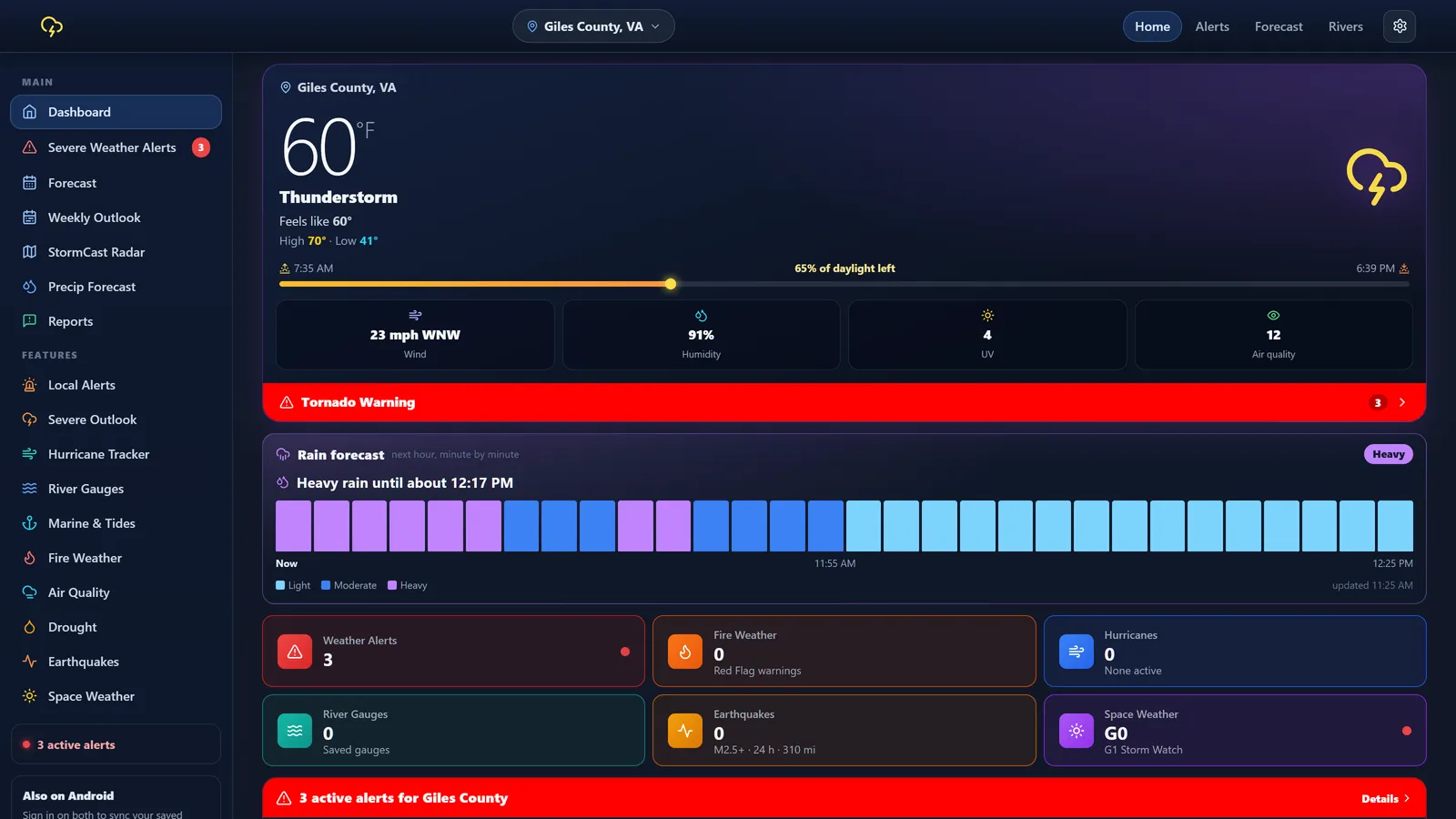
Made to sit quietly until it matters.
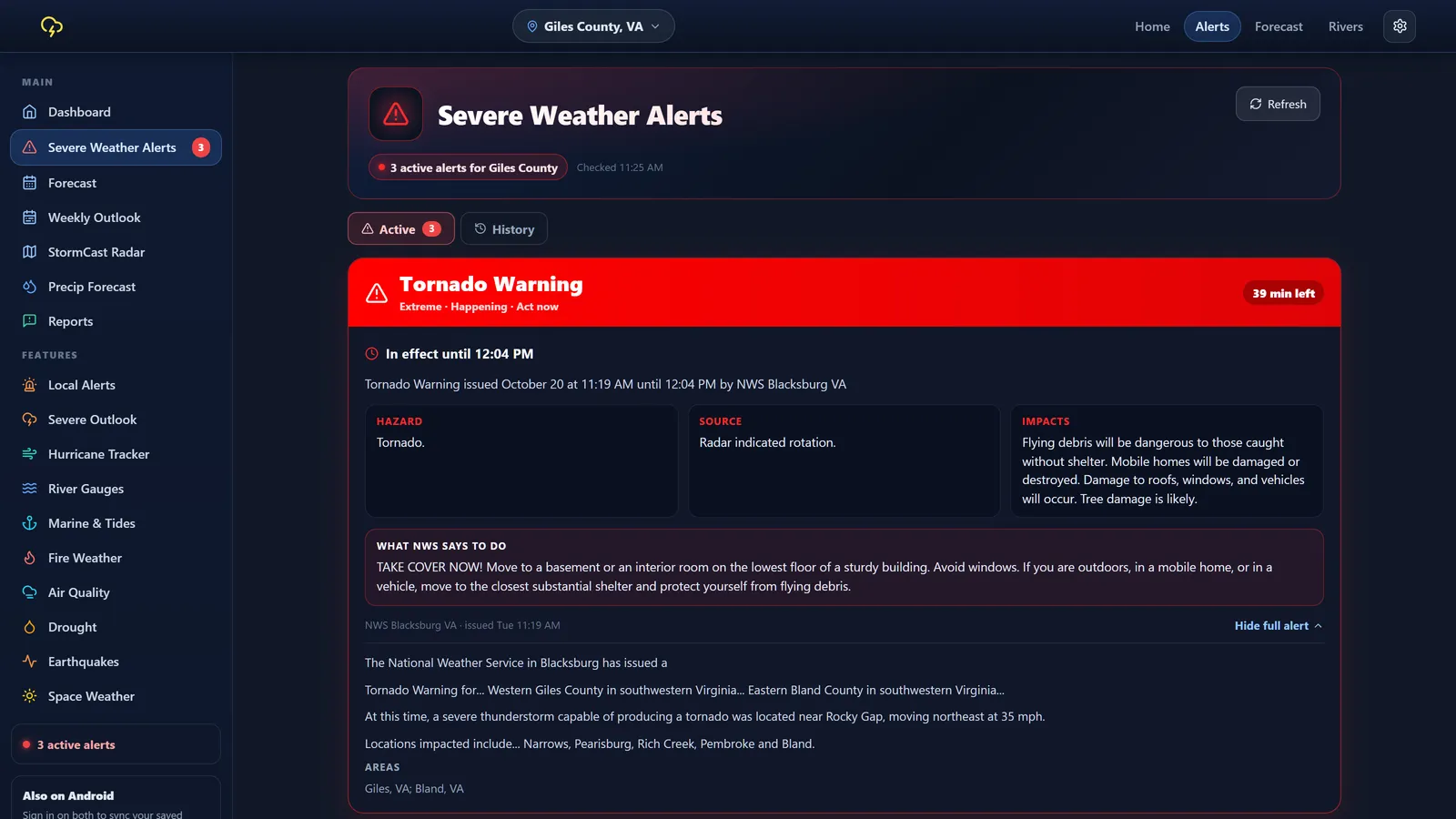
Close the window and StormCast keeps watching. When a warning covers one of your places, you get a Windows notification and a siren.
The tray icon shows the current temperature, and it flashes when an alert needs your attention.
It opens quietly in the tray when you sign in, so you're covered after every restart. You can turn this off anytime.
Home, work, family. Save them all and get alerts for each one. Sign in to share them with the StormCast Android app.
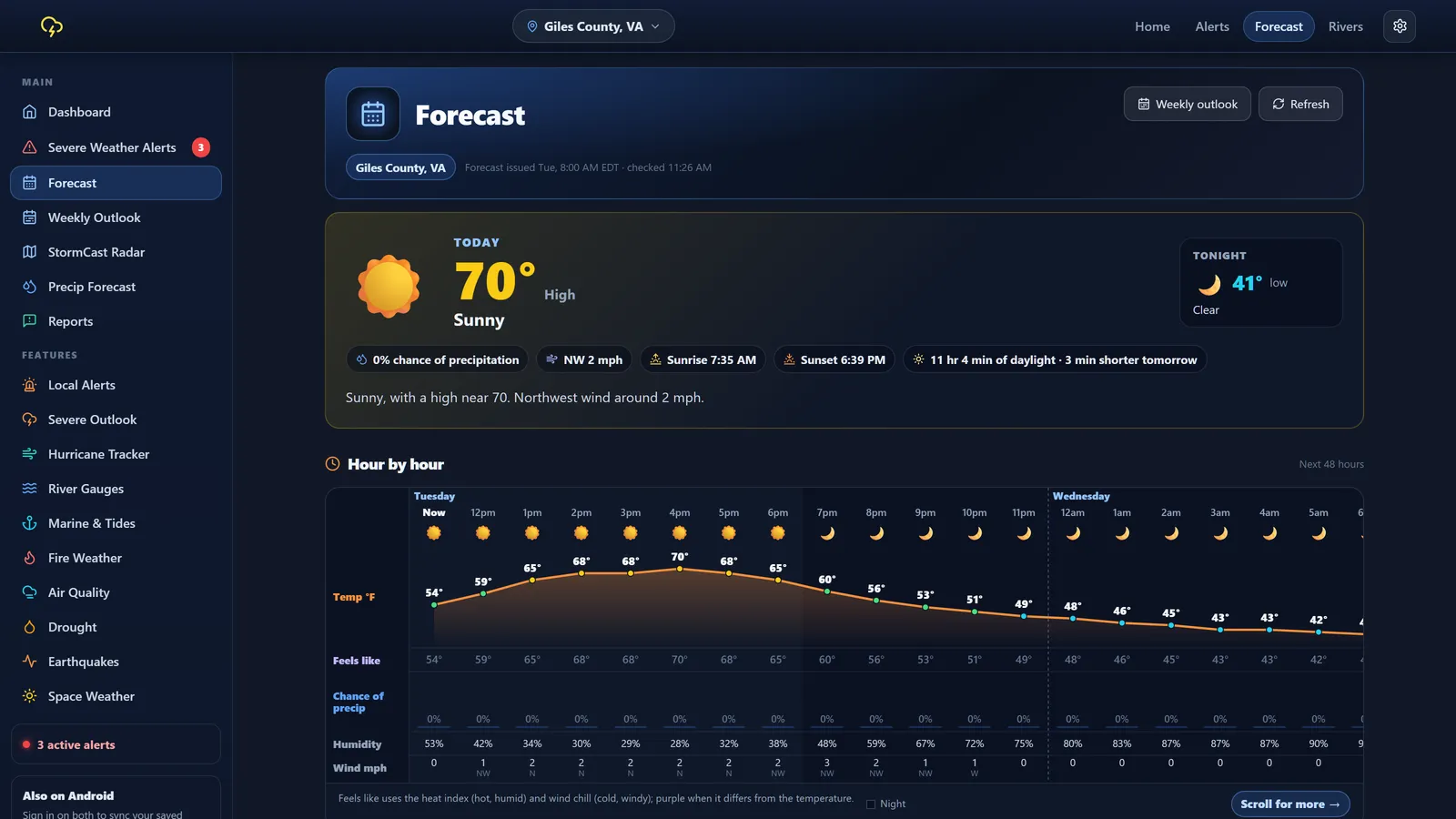
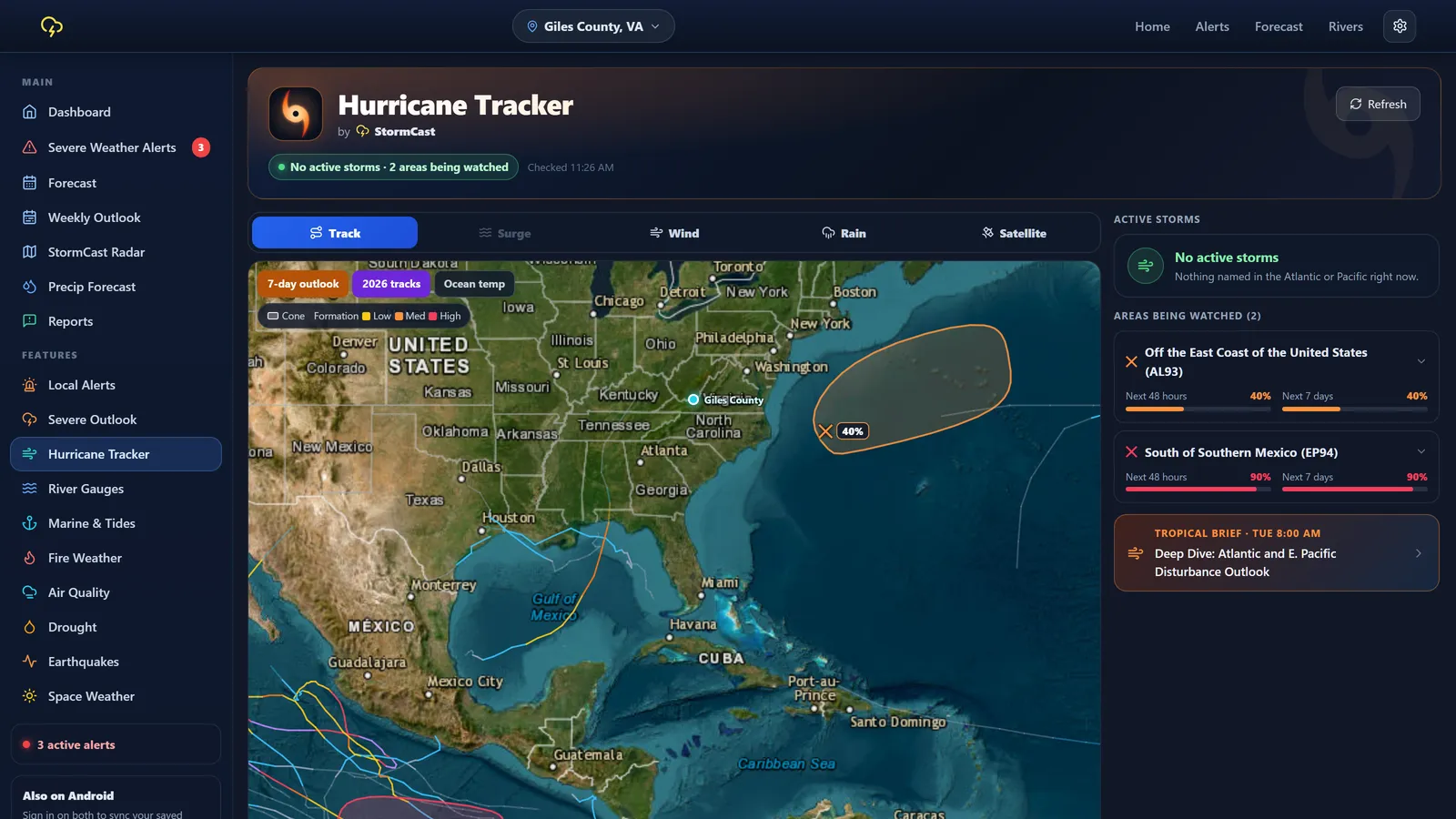
Everything, with room to breathe.
 StormCast
 StormCast
 StormCast
 StormCast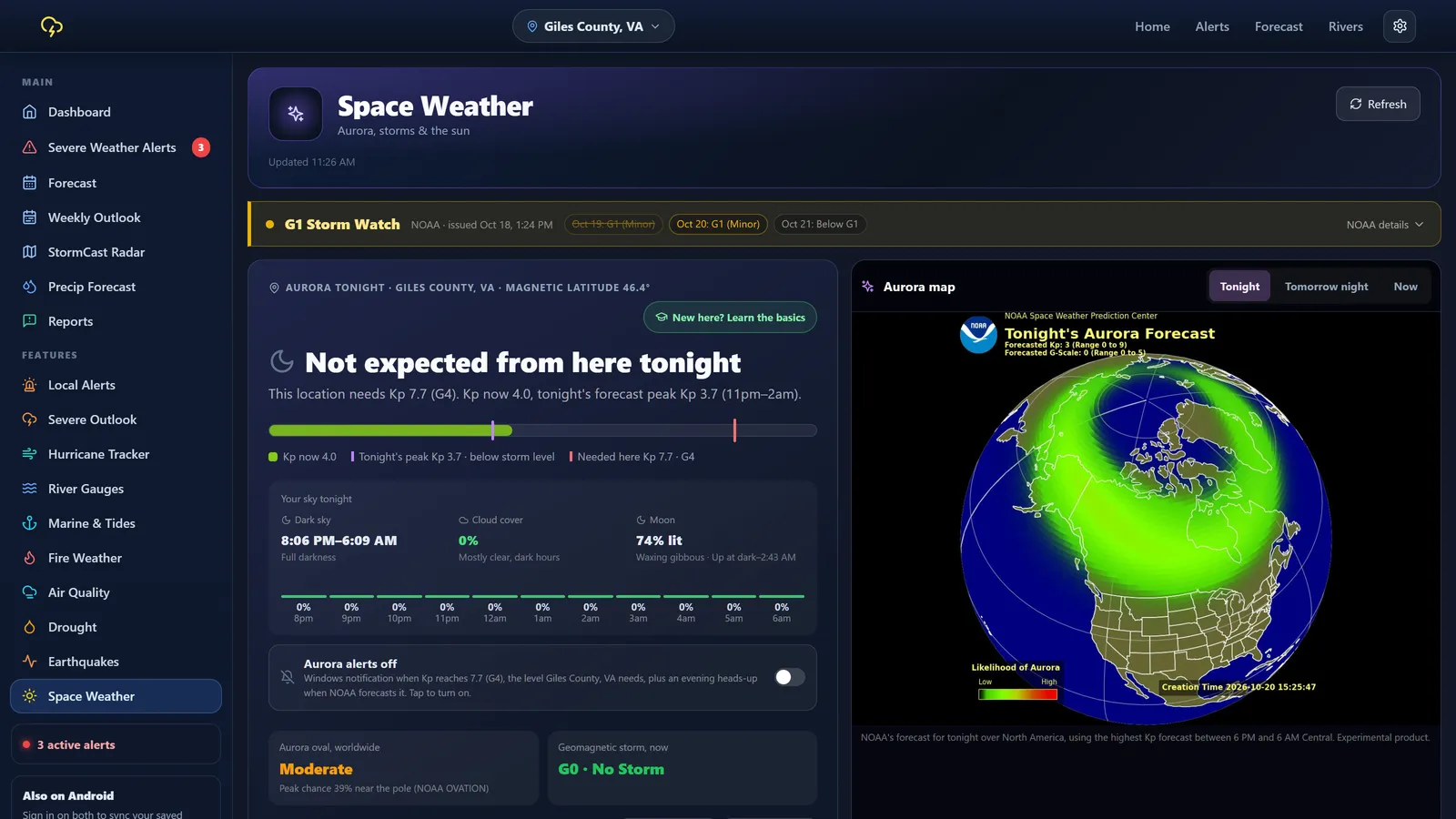
Up and running in a minute.
- Open the Microsoft Store
Click Get it from Microsoft on this page.
- Click Get
It installs like any other Store app. Updates arrive on their own.
- Pick your home
Search a town or use your location. No account needed.
Requires Windows 10 (version 1809 or newer) or Windows 11, 64 bit.
Questions people ask.
Is StormCast for Windows free?
Yes. It's free on the Microsoft Store, with no subscription.
Will I get alerts when the window is closed?
Yes. Closing the window keeps StormCast running in the system tray, so alerts still arrive as Windows notifications. To fully exit, right click the tray icon and choose Quit StormCast.
Do I need an account?
No. An account is optional. Signing in just backs up your saved places and shares them with the StormCast Android app.
How do I stop it starting with Windows?
Open Windows Settings, then Apps, then Startup, and switch StormCast off. You can also get there from the tray icon's menu.
I installed StormCast from this website before. What should I do?
Quit StormCast from the tray, uninstall it in Settings, then Apps, then Installed apps, and install it from the Microsoft Store. Sign in with the same account to bring your saved places across. Keeping both would give you every alert twice.
Should I rely on StormCast in an emergency?
Use it as an extra heads up, not your only one. Always follow your local emergency officials, and keep other ways to get warnings, like a weather radio and your phone's emergency alerts.
Be ready for the next one.
Free on Windows and Android. No account needed.