BETA · WINDOWS DESKTOP  ·  Same real-time alert pipeline as the Android app
WINDOWS 10 / 11 · BETA

Know before the storm hits —
right from your desktop.

StormCast for Windows runs quietly in your tray and delivers the exact same real-time NWS alerts as the Android app — same server, same severe-weather pipeline, no phone required.

FREE DOWNLOAD

Get it for
Windows.

Free, no subscription, no account required to install. Sign in once you're in to sync locations across devices.

This is an early beta. The Windows app is brand new and still being tested — you may run into bugs, or find a feature that doesn't quite work right yet. If you do, open StormCast → Settings → Contact Support to report the bug or send a feature request — that's exactly what it's there for, and it goes straight to the developer.
01
Download the installer Click Download for Windows. Chrome/Edge may warn the file "isn't commonly downloaded" — click the arrow next to it and choose Download suspicious file (or Keep) to let StormCast-Setup.exe finish.
02
Run the installer Open your downloads and run it. If Windows SmartScreen appears, click More info then Run anyway — this is expected for a new, unsigned installer.
03
Sign in & allow permissions Open StormCast, sign in, and allow notifications & location so alerts can match your area.
04
Stay running in the tray StormCast keeps a tray icon so it can deliver alerts even while the window is closed.
About the security warnings: the installer isn't code-signed yet, so both your browser and Windows flag it as unrecognized — Chrome/Edge on download, Windows SmartScreen on first run. The app itself is safe; this is expected during beta, since it's sideloaded straight from this site instead of a trusted store. Once beta wraps up, we plan to publish StormCast to the Microsoft Store — Store-distributed apps are automatically trusted, so these warnings go away for good.
Don't just take our word for it

Don't trust an unsigned installer from an independent dev? Fair — verify it yourself before running it:
  1. Scan with VirusTotal — upload StormCast-Setup.exe (or paste the download link) to virustotal.com to check it against 70+ antivirus engines at once. A stray flag or two out of 70 is normal for any new, unsigned app — near-unanimous clean is what matters.
  2. Scan with Microsoft Defender — right-click the downloaded file in your Downloads folder and choose Scan with Microsoft Defender.
StormCast
StormCast app.stormcast.windows
Desktop · v1.0.6 · Beta
Platform
Windows 10/11
Price
Free
Installer
~88 MB
Account
Optional
By downloading, you agree to StormCast's Terms of Service and Privacy Policy. Also available on Google Play for Android.
SEE IT IN ACTION

The real app —
real screenshots.

Live data from a real StormCast install — not mockups.
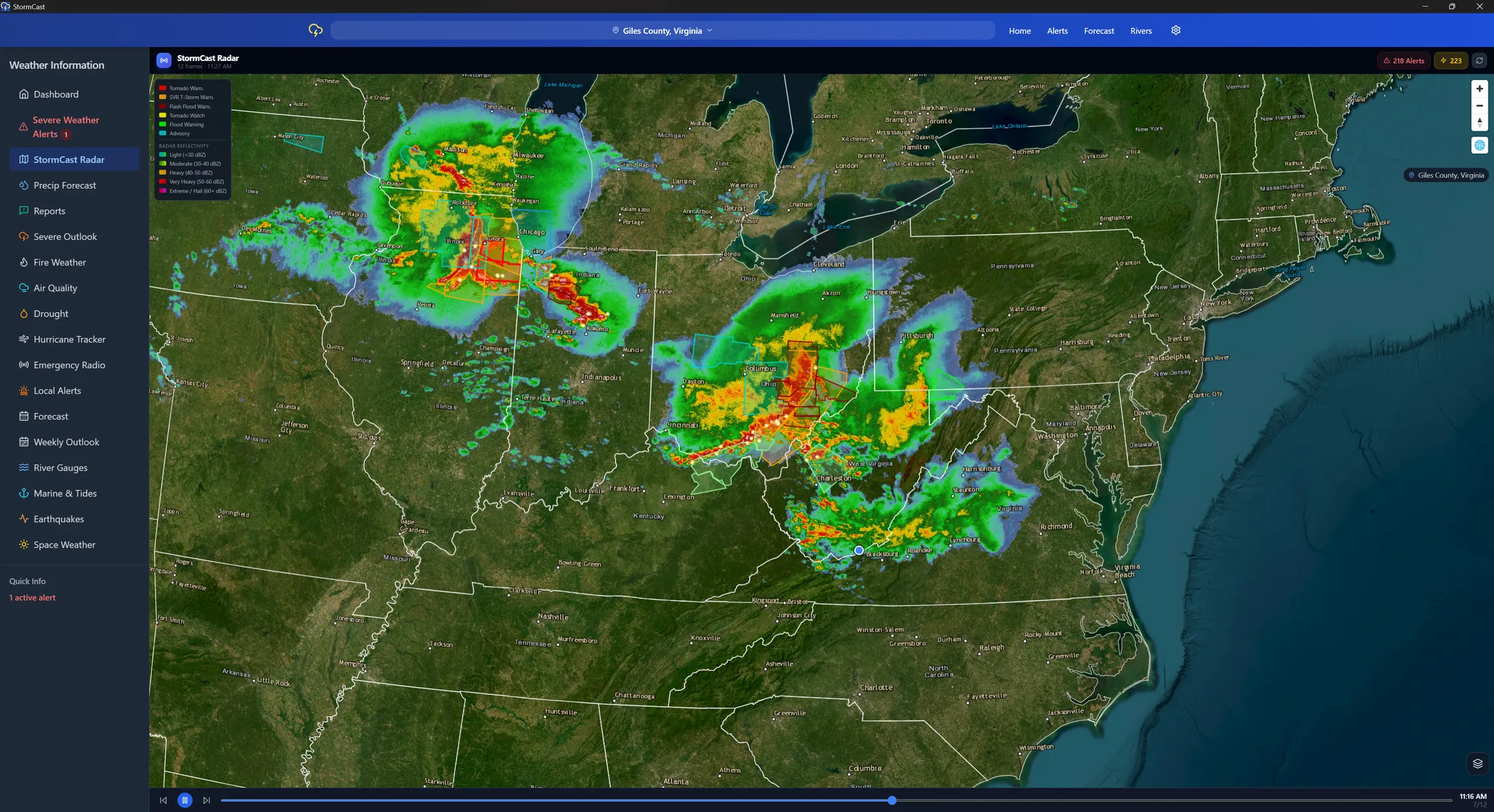
StormCast for Windows live radar showing active storm cells across the Midwest and Mid-Atlantic
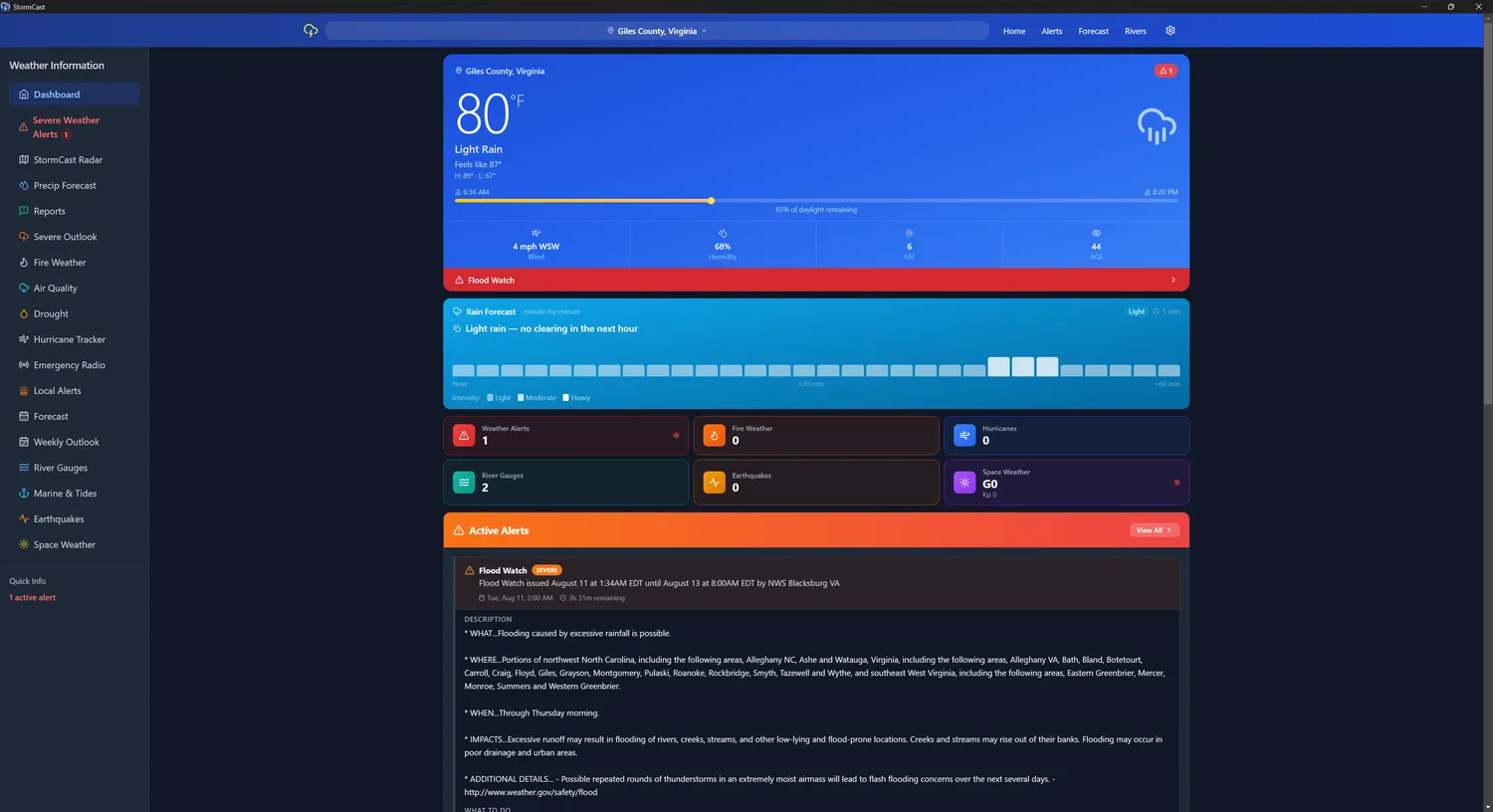
StormCast for Windows dashboard with current conditions and an active Flood Watch alert
Dashboard — current conditions & active alerts
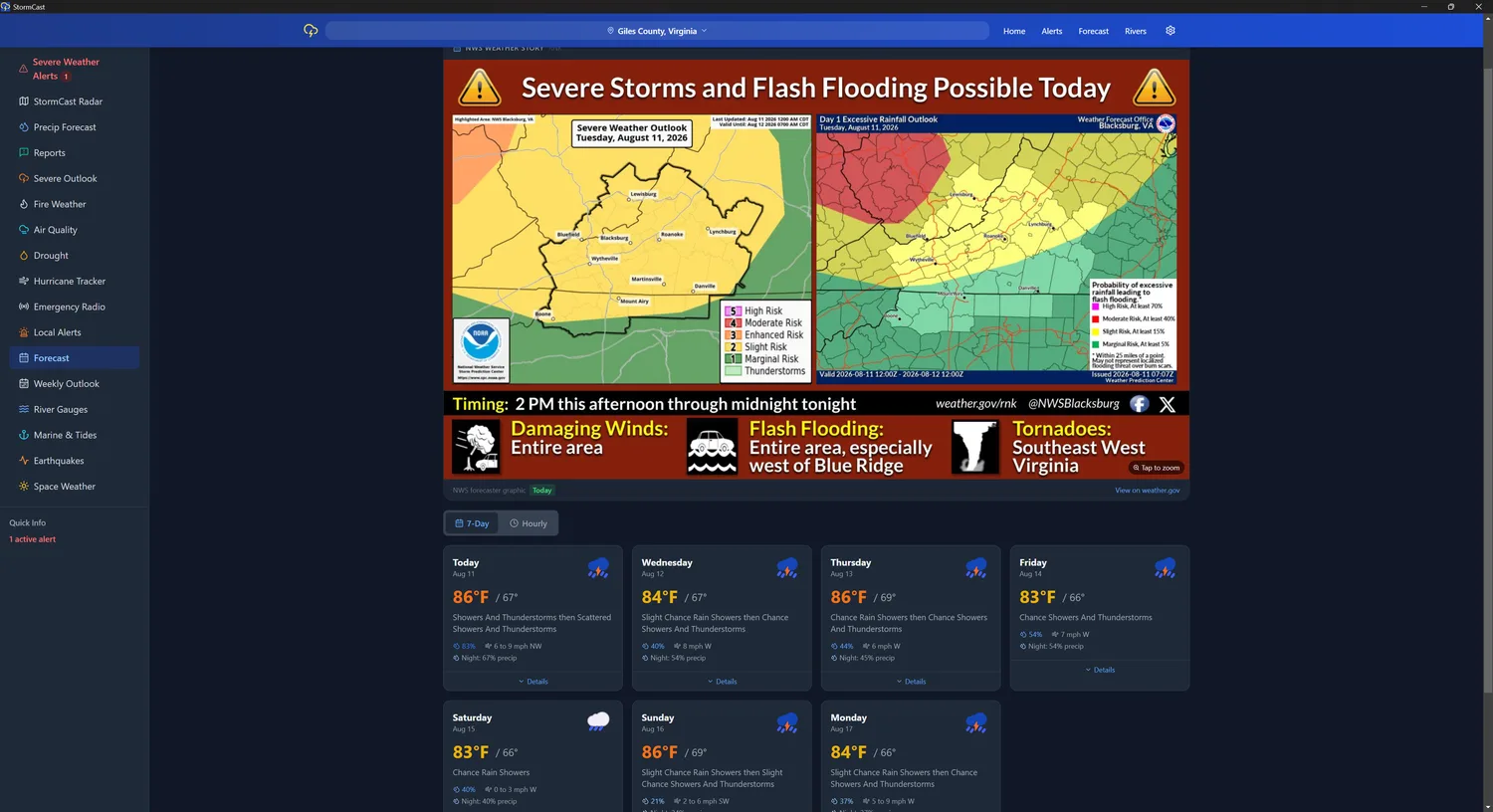
StormCast for Windows forecast page showing an NWS severe weather story graphic
Forecast — NWS weather story & 7-day outlook
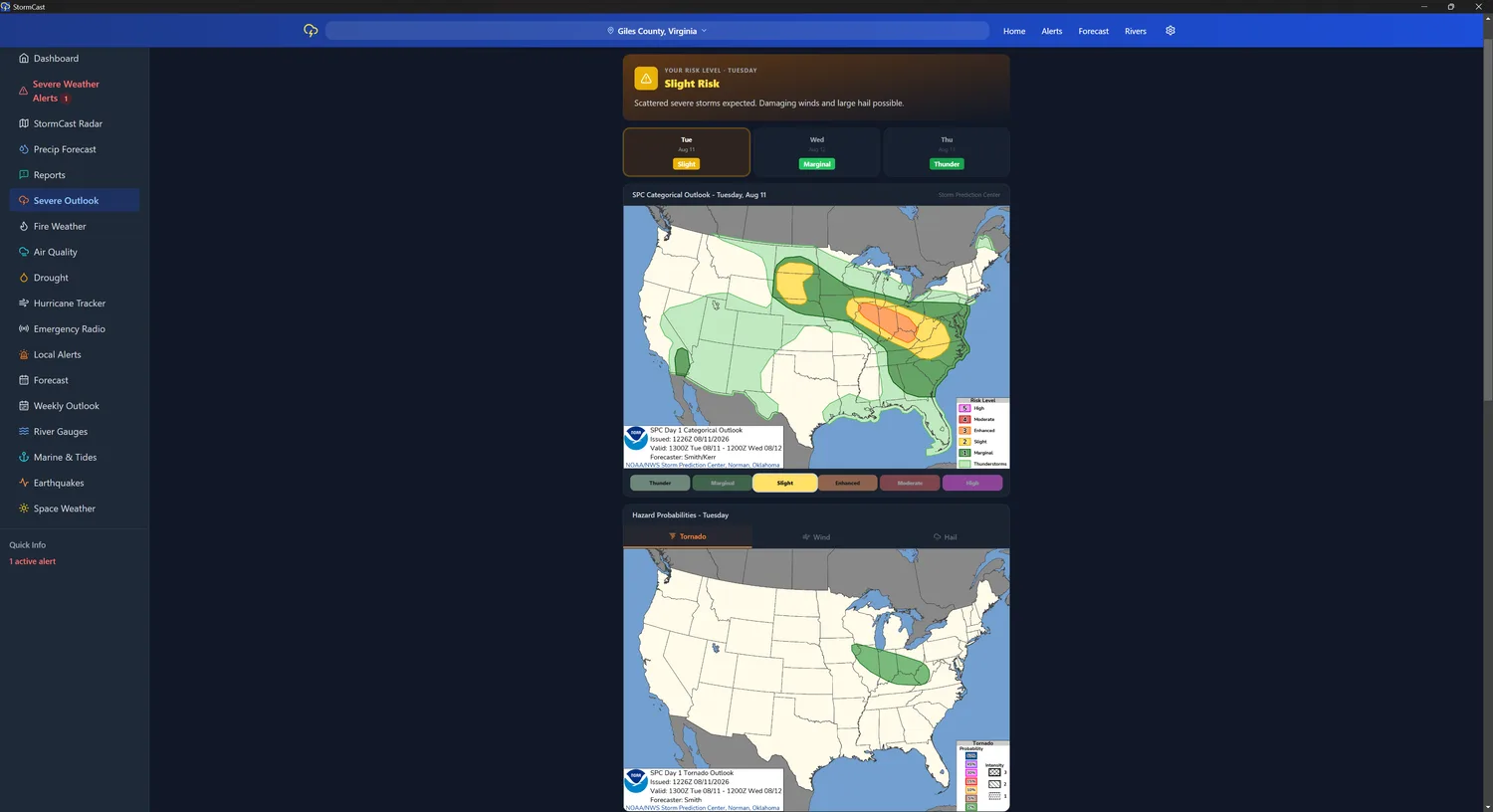
StormCast for Windows severe weather outlook with SPC risk and tornado probability maps
Severe Outlook — SPC risk & hazard maps
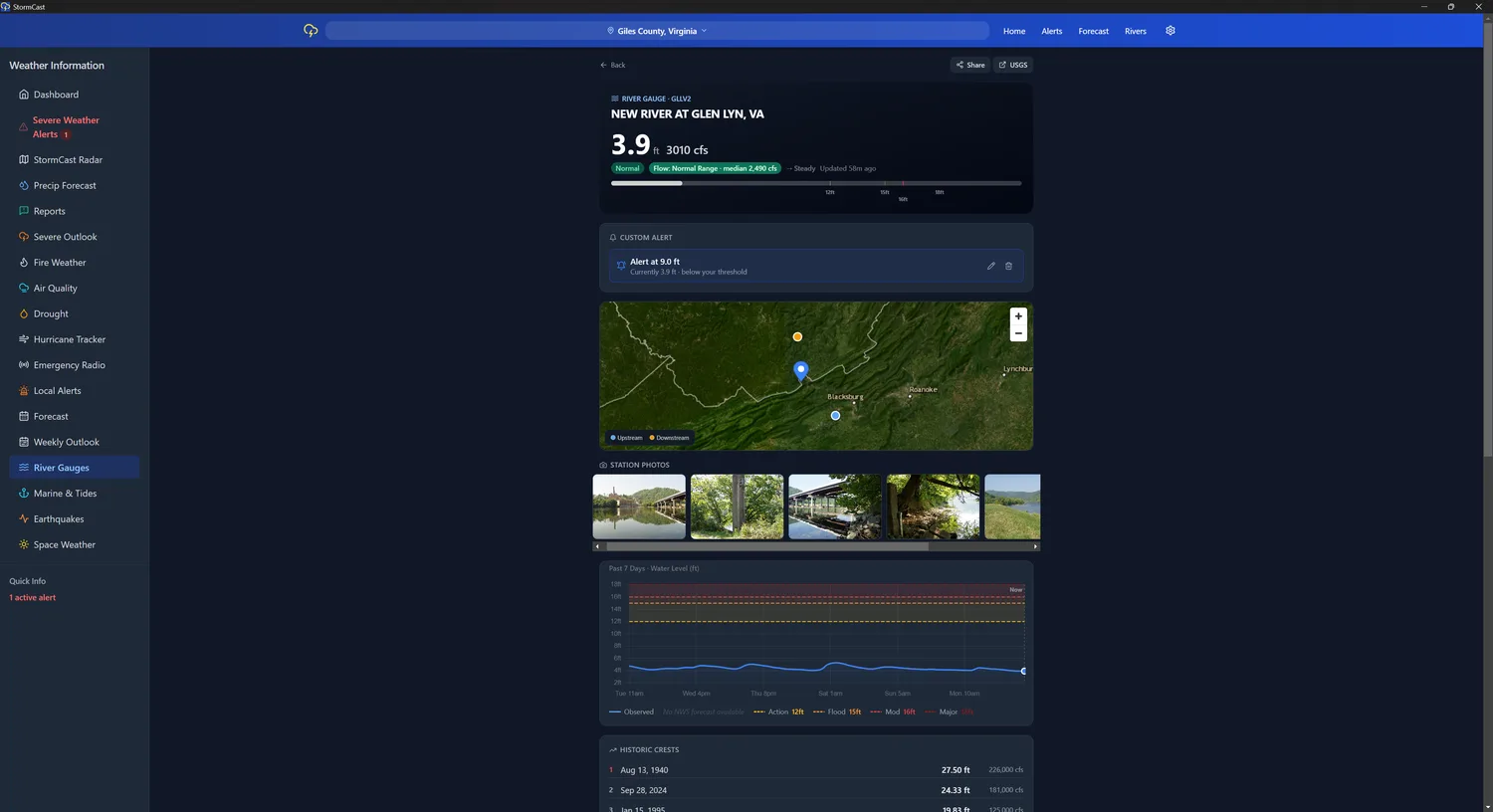
StormCast for Windows river gauge detail with water level chart and flood stage thresholds
River Gauges — live USGS levels & flood stages
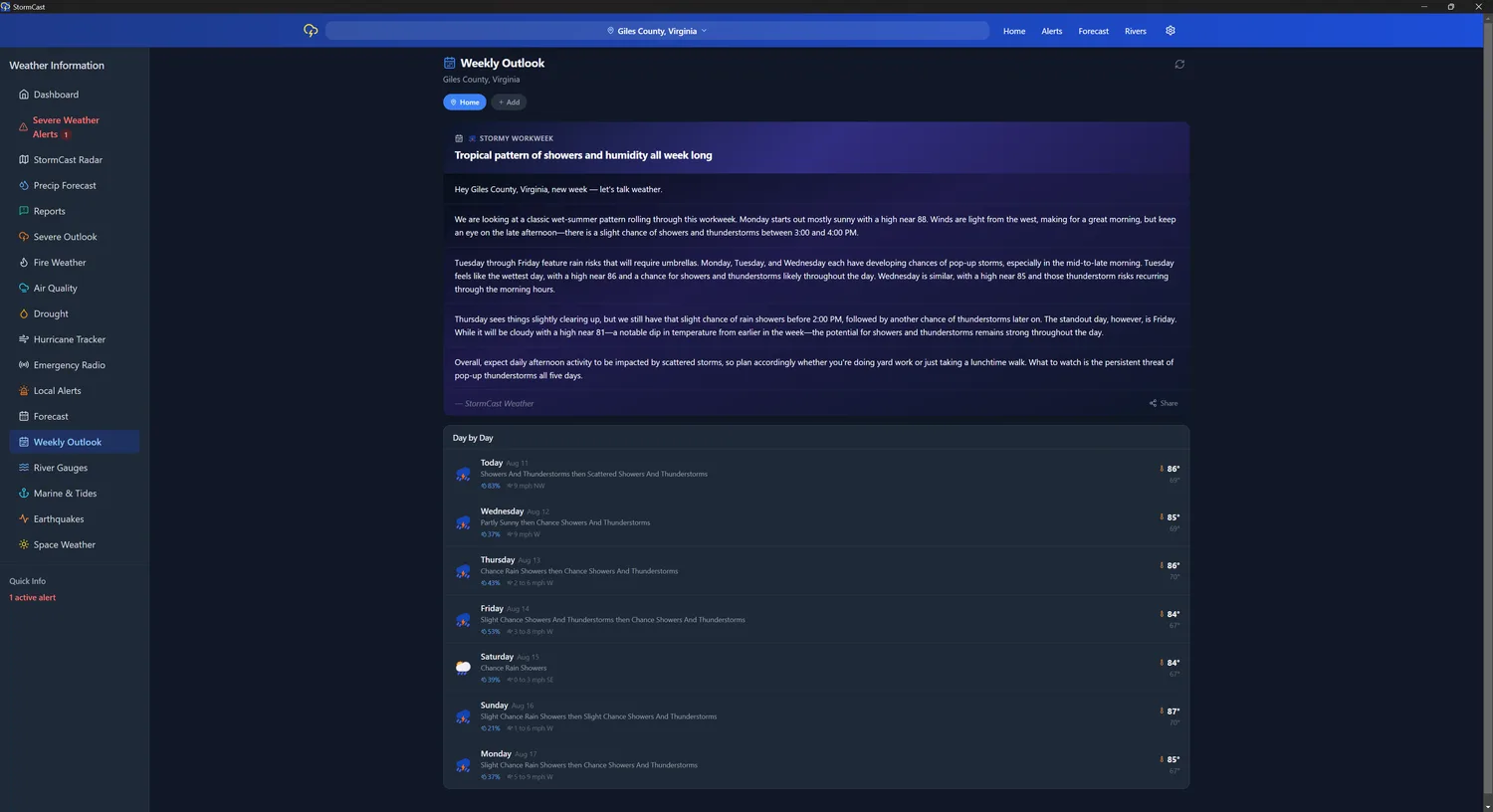
StormCast for Windows weekly outlook with an AI-written weather narrative and day-by-day forecast
Weekly Outlook — plain-language week-ahead summary
WHAT YOU GET

The full alert stack
on your desktop.

Native Desktop Alerts

Real-time NWS warnings pushed straight to Windows notifications — same server-side pipeline that alerts every Android user, with automatic local fallback if it's ever unreachable.

Live Radar & Conditions

The same live radar, current conditions, and forecast dashboard as the mobile app, sized for a bigger screen.

Multi-Location Tracking

Watch home, work, and family locations at once — alerts fire for every saved area, not just wherever the PC happens to be.

Severe Weather Warnings

Tornado, flood, severe thunderstorm, ice, and winter warnings — filtered to your saved locations, delivered the second NWS issues them.